
Welcome to the tandohost.co.za Client Portal Guide
This guide walks you through all the tools available in the tandohost.co.za Client Portal, designed to make domain and website management effortless.
Whether you want to register a domain, set up hosting, or manage your existing services, this guide will help you get started quickly and easily.
If you already have an account, simply log in and explore the control panel. Login - TandoHost
Features of the Client Portal
Our Client Portal is a one-stop solution for managing your online presence. It includes:
- DNS Settings
- Domain Management
- Database Tools
- Hosting Controls
We’ve built it to be secure, intuitive, and easy to navigate, saving you time while giving you full control over your services.
Managing Your Services
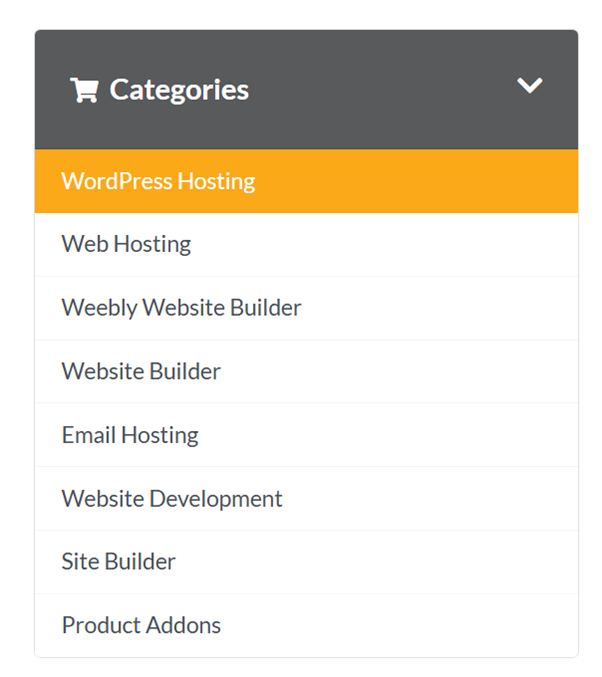
Navigate to the Top Menu in the main menu to access:
- Domains
- Web Hosting
- WordPress Hosting
- Email Hosting
Domain Management
Easily manage your domains with options for:
- Addon Domains – Add purchased domains quickly.
- Subdomains – Create sections of your site with ease.
- Parked Domains – Point multiple domains to your main site.
Need help? Our support team is always ready to assist.
Email Accounts
Create, edit, or remove email accounts in just a few clicks. Features include:
- Forwarders – Redirect emails to other accounts.
- Auto Responders – Stay responsive with automated replies.
- Spam Protection – Advanced filtering keeps your inbox safe.
Website & Hosting
Choose Web Hosting or WordPress Hosting from the menu to:
- View your products and details
- Manage billing
- Access cPanel for advanced settings
Resource & Site Usage
Monitor key metrics like bandwidth, CPU usage, storage, and more to maintain peak performance. View visitor stats and page hits for deeper insights.
File & Database Management
- FTP Accounts – Quickly upload and manage website files.
- File Manager – Edit files directly from the portal.
- phpMyAdmin – Full control of your MySQL databases.
WordPress & Apps
- Install WordPress with just a few clicks.
- Softaculous offers 380+ apps, including CMS, e-commerce platforms, forums, and galleries—all with 1-click installation.
Creating Your tandohost.co.za Account
Sign up through our website after purchasing a Web Hosting, Email, or WordPress Hosting plan.
You can register a new domain, transfer an existing one, or use your own. Complete checkout, and you’re ready to go!
Expert Support
Need assistance? Our support team is here to help with any questions or technical issues you may have.

