
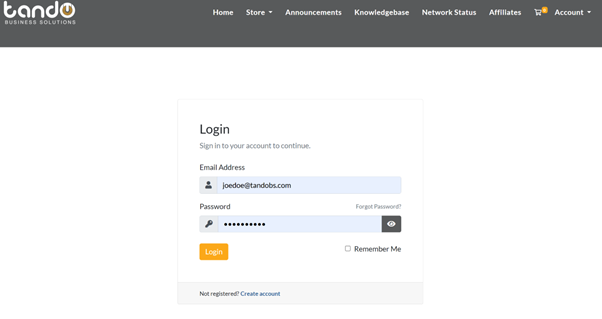
- Sign in to your tandohost.co.za account Login - TandoHost– once inside, the Dashboard will open.
2. Under Account Overview, you’ll be able to see any outstanding invoices and also have the option to download a full statement.

3. Scrolling further down provides a detailed view of all active support tickets along with any invoices that are still due.
tandohost.co.za Dashboard – Account Overview
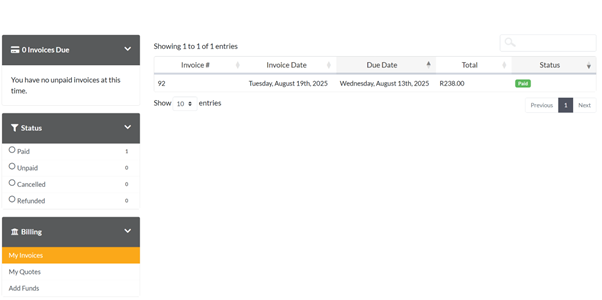
4. Select Billing from the menu on the left to access your invoices. From there, you can either export them as a .CSV file or print them directly.
tandohost.co.za Dashboard – Billing Overview

